GuavaHost
Language & currency
Client AreaGame Panel Toggle navigation
Games All Games
Minecraft JavaMinecraft BedrockMinecraft GeyserRustRuneScape: DragonwildsPalworldValheimValheim + BepInExARK: Survival EvolvedARK: Survival AscendedProject ZomboidEnshroudedDon't Starve Together7 Days to DieCounter-Strike 2TerrariatModLoaderHytaleMulti-Game ServerDiscord Bot Hosting
Navigation PricingReviewsHelp CenterSupport Company About UsFAQRefer to earnSLATerms of ServicePrivacy Policy
Language & currency
Client AreaGame Panel
HomeGames Minecraft Java
Minecraft Java
Minecraft Popular

Minecraft Java

Minecraft Java Server Hosting

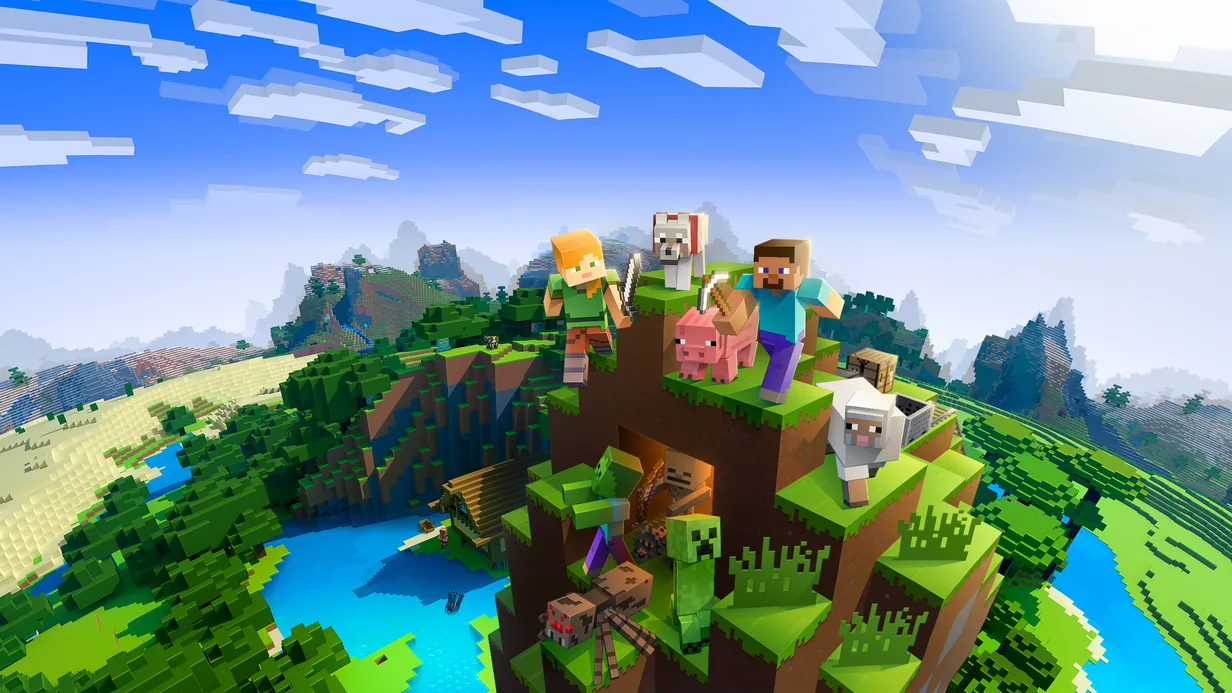
Launch your Minecraft Java Edition server with instant setup, one-click modpack support, and enterprise AMD Ryzen and Intel hardware. Whether you're hosting a small SMP with friends or running a public network with hundreds of players, GuavaHost delivers the raw performance and tooling your server needs. Full support for Vanilla, Paper, Spigot, Forge, Fabric, and any modpack you throw at it.

Instant setup
DDoS protected
99.9% uptime
24/7 support

About Minecraft Java server hosting

Minecraft Java is one of the most popular games we host, and for good reason. Our infrastructure is tuned specifically for the demands of Minecraft — high single-thread performance from AMD Ryzen and Intel CPUs, ultra-fast NVMe SSDs for world loading, and High-speed RAM for chunk processing. The Pterodactyl panel gives you one-click access to popular modpacks including CurseForge packs, lets you swap between server software like Paper, Spigot, and Forge instantly, and provides real-time console monitoring with full SFTP file access.

Pick Sydney and your Minecraft Java server runs in Australia, for low ping across Australia and New Zealand. Dallas and our European locations are there for everybody else, at the same price, and you can move a server between them yourself from the panel. Game server hosting in Australia has the ping figures and the full list.

Key Features

One-Click Modpacks
Install CurseForge packs, Forge, Fabric, and custom modpacks in a single click from the panel. Over 5,000 modpacks supported.
Instant Setup
Your server is live within seconds of ordering — no manual provisioning, no waiting around.
DDoS Protected
Enterprise-grade volumetric and application-layer DDoS mitigation on every server, at no extra cost.
Global Locations
Servers in Dallas, Limburg, Gravelines and Sydney for low-latency play.
Pterodactyl Panel
Full-featured control panel with real-time console, file manager, SFTP, scheduled tasks, and database management.
24/7 Minecraft Support
Our support team plays Minecraft and knows the software inside out. Average response time: ~30 minutes.

What's Included

One-Click Modpack Installer
Vanilla, Paper, Spigot, Forge & Fabric Support
Custom JAR Support
Automatic Version Updates
Database Management (MySQL)
NVMe SSD Storage
DDoS Protection Included
Pterodactyl Control Panel

Common Questions

Which Minecraft versions are supported?
Every Minecraft Java Edition release from 1.8 to the latest is supported. Switch versions any time from the Versions tab in the panel, then pick the matching Java on the Startup tab: Java 8 for 1.16.5 and older, Java 16 for 1.17, Java 17 for 1.18 to 1.20.4, Java 21 for 1.20.5 to 1.21.x and Java 25 for 26.1 and newer. Upgrading keeps your world, but take a backup first, because moving a world back to an older version can damage it.
Can I use custom modpacks or plugins?
Absolutely. You can upload custom JARs, install Forge/Fabric modpacks from CurseForge, and use any Bukkit/Spigot/Paper plugins via the file manager, one-click installer, or SFTP.
What server software can I run?
We support Vanilla, CraftBukkit, Spigot, Paper, Purpur, Forge, Fabric, Quilt, and most other major server types. Switch between them any time from the panel.
How much RAM do I need for my Minecraft server?
2GB, where plans start, runs a vanilla or Paper server for two or three friends. For around 10 players with light plugins, 4 to 6GB is more comfortable, and modded servers or bigger communities need 6 to 10GB or more. You can start low and upgrade any time.
View all FAQ

Guides for Minecraft Java

Step-by-step help from the GuavaHost Help Center: setup, settings, mods and fixes.

Browse all Minecraft Java guides

You might also like

Ready to start your Minecraft server?

Instant setup. Enterprise hardware. 48-hour money-back guarantee.